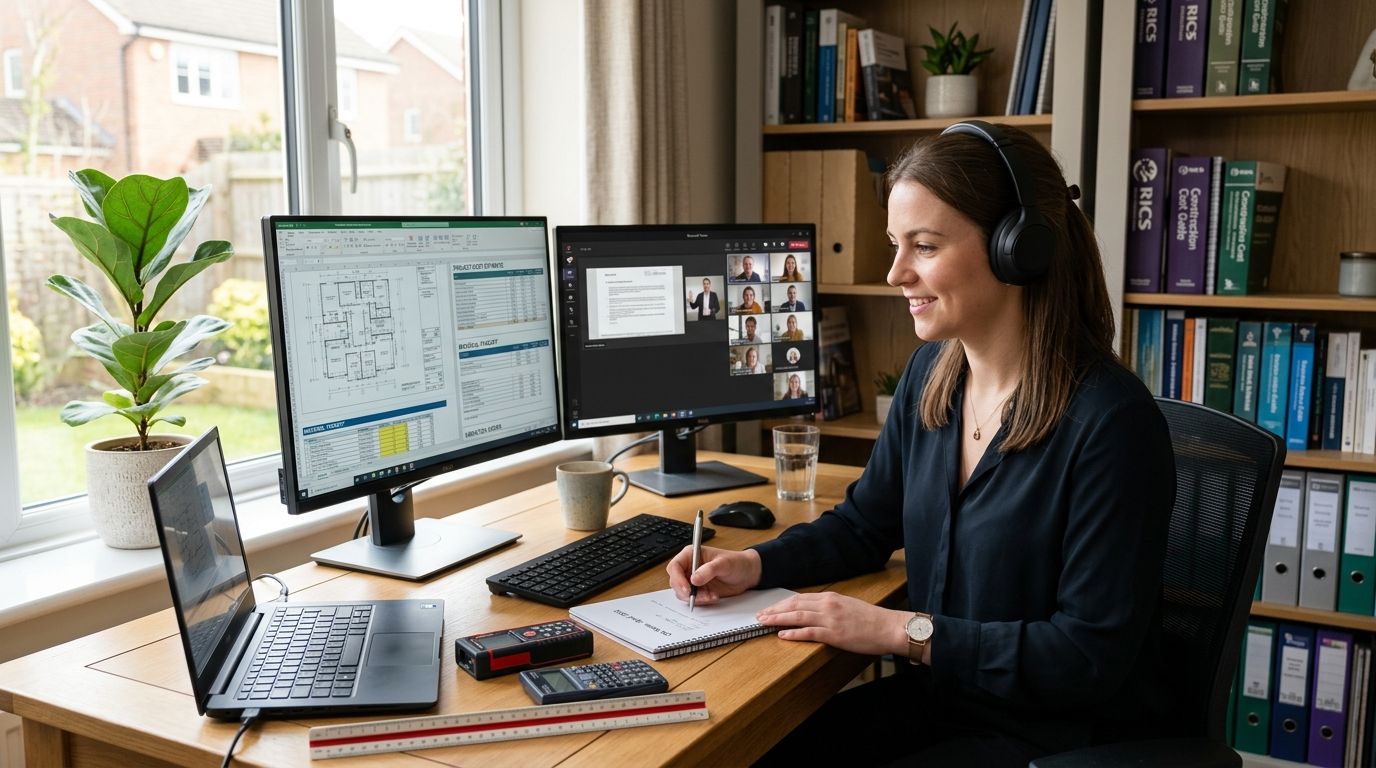

Best overall for remote teams: Flexible Office Space for Hybrid Work Schedules. Best for small teams needing a locked door: Private Office for Small Teams of Two to Five. Best for occasional office days: Hot Desk Access for Staff Working Occasional Office Days.
- Flexible Office Space for Hybrid Work Schedules is the best coworking space with high-speed internet for most remote teams in 2026.
- Private Office for Small Teams of Two to Five suits teams that need a locked door and steady bandwidth every day.
- Hot Desk Access for Staff Working Occasional Office Days fits remote teams that only need office internet a few days a month.
- All six setups run through Westend Business Hub's Werribee floor, so switching plans doesn't mean changing address.
- Book a meeting room separately when a client video call needs a quiet room and a closed door.
Why this matters
A remote team splitting its week between the kitchen table and a proper desk runs into the same problem in 2026 that it did two years ago: home internet wasn't built for four back-to-back video calls plus a file upload. One dropped call during a client pitch does more damage than a slow morning ever will.
Werribee and the wider western suburbs have grown fast enough that a shared, reliable connection near home now beats a long drive into the Melbourne CBD for the same result. A coworking space with high-speed internet solves the connection problem without asking a distributed team to give up its flexibility. The question isn't whether to use one — it's which setup matches how the team actually works.
What makes the best coworking space with high-speed internet
- Backed-up internet across the whole floor, not one router serving twenty desks
- Private call rooms or bookable meeting rooms for calls that can't be overheard
- Access hours that match how many days a week the team actually shows up
- Month-to-month terms so a small team can change plans without a fight
- A location easy enough to reach that showing up beats staying home
- Room to grow from one desk to a locked office without moving address
Coworking setups at a glance
| Setup | Best for | Standout feature | Key limitation |
|---|---|---|---|
| Flexible Office Space for Hybrid Work Schedules | Teams splitting time between home and office | Book access around real hybrid patterns | Desk spot can shift day to day |
| Private Office for Small Teams of Two to Five | Small teams needing a locked door daily | Fixed room, no hot-desk shuffle | More commitment than a shared desk |
| Hot Desk Access for Staff Working Occasional Office Days | Staff needing office internet a few days a month | Pay for access, not a permanent seat | No guaranteed desk on busy days |
| Coworking Space for Remote Teams Needing a Melbourne Base | Distributed teams wanting one shared address | One base for a team scattered across the west | Floor gets busier at peak hours |
| Coworking Space for IT Contractors and Software Developers | Developers running calls and deploys back to back | Quiet desks built for screen-heavy work | Shared bandwidth unless upgraded to a private office |
| Dedicated Desk Plans for Solo Entrepreneurs | Solo founders wanting the same seat every time | Fixed desk, fixed spot | Less built-in team collaboration |
1. Flexible Office Space for Hybrid Work Schedules: best for teams splitting time between home and office
Flexible Office Space for Hybrid Work Schedules gives a remote team desks, internet and meeting rooms on the days people actually come in, instead of paying for five days nobody uses. It runs through Westend Business Hub's Werribee floor, so a team can book two days one week and four the next as workloads shift.
Flexible Office Space pros:
- Matches office days to real hybrid schedules instead of a fixed weekly lease
- High-speed internet shared across desks and meeting rooms, not rationed by device
- Easy to add or drop team members as the roster changes
- Sits inside a wider coworking floor, so informal networking happens without trying
Flexible Office Space cons:
- Desk location isn't fixed, so people wanting the same spot every visit may prefer a dedicated plan
- Popular days like Monday and Friday fill faster than mid-week
Best for: hybrid remote teams that don't work from the office every day. Verdict: Book it.
2. Private Office for Small Teams of Two to Five: best for teams that need a locked door
Private Office for Small Teams of Two to Five puts a small remote team behind its own door on the Werribee floor, with internet, furniture and a fixed room instead of a shifting hot desk. It suits a team spending most calls on client-sensitive material that shouldn't happen in an open area.
Private Office pros:
- Fixed room and desks, no daily shuffle
- Closed door for confidential client calls
- Room to keep monitors and equipment set up permanently
- Still connected to the wider building's meeting rooms and communal areas
Private Office cons:
- Costs more commitment than a shared hot desk or flexible plan
- Less exposure to the broader coworking community than an open floor
- Fixed to one room size, so a team growing past five needs to plan the next move early
Best for: small remote teams of two to five needing daily privacy. Verdict: Book it.
3. Hot Desk Access for Staff Working Occasional Office Days: best for internet needed only a few days a month
Hot Desk Access for Staff Working Occasional Office Days lets remote staff drop into Westend Business Hub for the days they need a proper connection, without signing up for a full-time desk. It suits a distributed team where two or three people show up in any given week, not the whole roster.
Hot Desk Access pros:
- Pay for access, not a permanent seat sitting empty most days
- Same high-speed internet as the full-time desks
- No lock-in to one fixed weekly schedule
Hot Desk Access cons:
- No guarantee of the same desk, or a desk near a window, on a busy day
- Doesn't suit anyone needing a locked, private space for client calls
Best for: remote teams whose staff only need office internet occasionally. Verdict: Book it for occasional use; skip it if most of the team is in five days a week.
4. Coworking Space for Remote Teams Needing a Melbourne Base: best for distributed teams wanting one shared address
Coworking Space for Remote Teams Needing a Melbourne Base gives a team scattered across Melbourne's west one shared floor to work from, rather than everyone working alone at home all the time. It fits a fully remote team that still wants a real place to meet a client or run a stand-up in person occasionally.
Melbourne Base pros:
- One address the whole team can point to, even on mostly-remote weeks
- High-speed internet without the commute into central Melbourne
- Meeting rooms bookable for the days the team meets in person
Melbourne Base cons:
- Floor gets busier during standard business hours, limiting quiet corners at peak times
- Doesn't replace a private office for teams needing daily desk space
Best for: fully distributed teams wanting an occasional shared Melbourne-area base. Verdict: Book it.
5. Coworking Space for IT Contractors and Software Developers: best for back-to-back calls and deploys
Coworking Space for IT Contractors and Software Developers is built for people running client calls, stand-ups and code deploys in the same afternoon, where a dropped connection actually costs money. It sits on the same Werribee floor as the rest of Westend Business Hub's plans, with desks suited to screen-heavy work.
IT Contractor setup pros:
- Internet built for continuous video calls, not just email and browsing
- Quiet desks positioned away from high-traffic meeting areas
- Meeting rooms available for client demos without renting a separate venue
IT Contractor setup cons:
- Shared bandwidth during peak hours unless upgraded to a private office
- No dedicated server room or on-site IT support beyond the connection itself
Best for: contractors and developers needing reliable internet for calls and deploys. Verdict: Book it.
6. Dedicated Desk Plans for Solo Entrepreneurs: best for the same seat every day
Dedicated Desk Plans for Solo Entrepreneurs give one person a fixed desk on the floor, in the same spot every visit, without renting a full private office. It suits a solo founder running a remote business who wants somewhere better than the kitchen table.
Dedicated Desk pros:
- Same desk, same spot, every time
- High-speed internet without sharing a hot-desk queue
- Lower commitment than a private office room
Dedicated Desk cons:
- Less built-in team collaboration than a shared team room
- Doesn't scale automatically once the business hires a second or third person
Best for: solo founders and remote freelancers wanting a consistent desk. Verdict: Book it; upgrade to a private office once the team grows past one.
How we ranked these
Each setup was measured against the same six criteria: backed-up bandwidth, private call space, flexible access hours, simple month-to-month terms, an easy-to-reach location, and room to grow. Flexible Office Space for Hybrid Work Schedules ranks first because it's the only setup that bends around a team's actual hybrid pattern instead of forcing one fixed schedule onto everyone.
“If your team argues about wifi more than about deadlines, the office setup isn't doing its job yet.”
Which coworking space should you choose?
For most remote teams weighing a coworking space with high-speed internet in 2026, Flexible Office Space for Hybrid Work Schedules is the default pick — it covers the connection problem without locking anyone into five office days a week. A small team that spends every call on confidential client work should move straight to Private Office for Small Teams of Two to Five. A team where only one or two people need office internet on any given week should start with Hot Desk Access for Staff Working Occasional Office Days and upgrade later if usage climbs.
Ready to test the wifi yourself?
Book a day and see how the floor handles your team's calls.
FAQ
What's the best coworking space with high-speed internet for remote teams in 2026?
Flexible Office Space for Hybrid Work Schedules is the best all-round pick for most remote teams in 2026, because it books access around real hybrid patterns instead of a fixed weekly lease. Teams needing a locked door daily should look at a private office instead.
Is a private office better than a hot desk for video calls?
A private office is better for calls involving confidential client material, since it has a closed door and no shared floor noise. A hot desk works fine for routine calls but doesn't guarantee a quiet spot on a busy day.
How much does a coworking space with high-speed internet cost in Werribee?
Cost depends on the plan and how many days a week the team needs a desk, from occasional hot desk access up to a full private office. Check the current rates on each plan page rather than relying on last year's figures.
Can a remote team book a coworking space just for occasional days?
Yes — Hot Desk Access for Staff Working Occasional Office Days is built exactly for that, letting staff drop in only on the days they need a proper connection. It suits distributed teams where usage varies week to week.
Does a virtual office include coworking access?
A virtual office plan is generally built around a business address and mail handling rather than daily desk access. Teams that need both an address and a desk should compare the coworking and virtual office plans separately before choosing.
What happens if the whole remote team needs the office at once?
A hot desk plan can run out of matching spots on a busy day, which is why teams expecting to be in together often move to a private office instead. Booking a meeting room in advance solves it for one-off full-team days.
Can a solo founder upgrade from a dedicated desk to a private office later?
Yes — a dedicated desk plan works well for one person and can move up to a private office once a second or third hire joins. The upgrade keeps the same Werribee address, so nothing changes on invoices or client-facing details.
One last thing
The most common connection complaint from remote teams isn't a dropped call — it's a laptop mic picking up someone else's meeting three desks over. A private office or a booked meeting room fixes that faster than any bandwidth upgrade ever will, which is why the ranking above weighs privacy as heavily as raw speed.