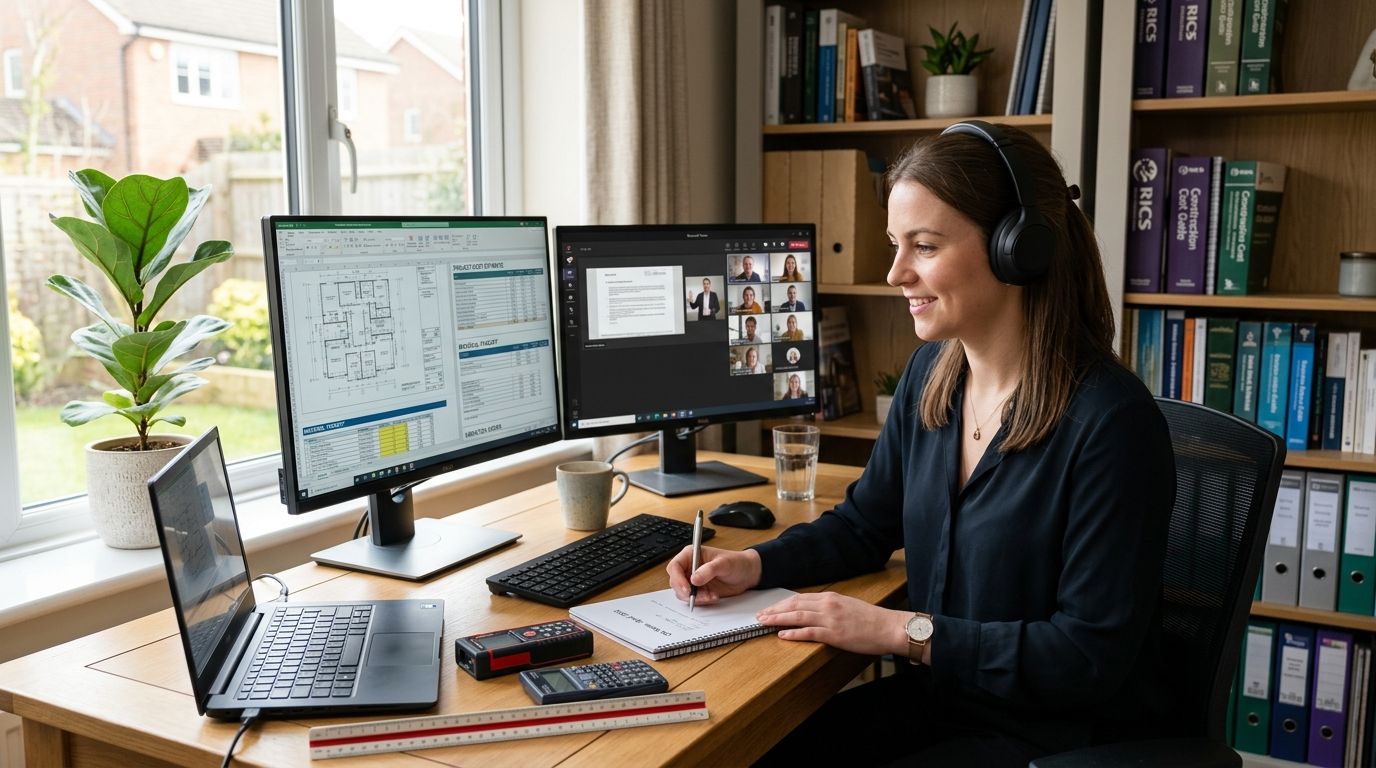

Coworking space for childcare administrators gives centre directors, family day care coordinators, and early learning admin staff a place to handle compliance paperwork, rostering, and confidential family conversations away from the noise of ratios and drop-off. Childcare admin work runs on privacy and paper trails — working with children checks, incident reports, and Quality Improvement Plan documents don't belong on a staff room bench where any passing educator or parent can see the screen.
- Coworking space for childcare administrators works best when compliance paperwork is separated from the classroom floor, not squeezed into a staff room corner.
- A private office or dedicated desk at Westend Business Hub in Werribee suits directors handling WWCC files, incident reports, and QIP reviews.
- Meeting rooms booked by the hour cost less than a second permanent office for licensing visits, board catch-ups, or difficult family conversations.
- Virtual office plans give family day care coordinators a registered business address without opening or leasing a second premises.
Why coworking space matters for childcare administrators
Early learning admin is regulated in a way most small business admin isn't. Documents tied to the National Quality Framework, working with children checks, and Child Care Subsidy reporting need a paper trail that survives a licensing visit, and that trail is harder to protect when the only workspace available is a shared staff room or a laptop on the lunch table.
Family day care coordinators face a related but different problem: they often manage a roster of educators working from separate homes, which means the coordinator's own base has to double as the compliance hub, the correspondence address, and the meeting point for educator check-ins. Doing that from a kitchen table works for a few months. It stops working the first time a regulator letter needs a professional return address or a family complaint needs a room with a closed door.
Separate your admin hours from the classroom floor
Most centre directors do paperwork in stolen minutes between ratios, which is why QIP updates and rostering slip. Fixing this doesn't require a lease — it requires a fixed block of time and a location that isn't the staff room.
- Set a recurring 90-minute admin block that isn't inside the centre building
- Turn off group chat notifications during that block so ratio questions wait
- Batch enrolment emails and CCS reporting into one sitting instead of answering them between activities
- Keep a single folder (digital or physical) for anything a licensing officer might ask to see
- Track which admin tasks actually need quiet focus versus which can happen on the floor
Protect confidential conversations and complaint handling
Incident reports, WWCC renewals, and parent complaints all need a room with a door, not a corner of the office with a window into the playground. Other care-sector operators handle the same problem — NDIS providers in Melbourne's west use the same room-booking approach for confidential client visits, and childcare administrators can apply the same logic.
- Book a closed-door room whenever a conversation involves a specific child, family, or staff performance issue
- Keep hard-copy WWCC and incident files in a locked space, not a shared drawer
- Separate the space used for family complaints from the space used for everyday enrolment questions
- Debrief with co-directors somewhere neither families nor educators can overhear
Book a room for licensing visits and staff training
A licensing visit or a professional development day for educators needs a room that looks organised the moment someone walks in — not a repurposed staffroom with high chairs stacked in the corner. A meeting room booked for training sessions and workshops covers both scenarios without committing to a second lease.
- Book the room for the exact block needed, not a full day if two hours will do
- Print or display the QIP and policy folders the assessor is likely to ask for
- Run mandatory training (child protection, first aid refreshers) somewhere educators can focus without ratio interruptions
- Use the same room for board or committee meetings if the service is run by a management committee
Register a compliant, professional business address
Many early learning services and family day care schemes operate as not-for-profit community organisations, which brings its own correspondence and governance mail separate from the centre's street address. A virtual office set up for non-profits and community organisations keeps that mail off a coordinator's home address.
- Use a registered business address for ABN, ASIC, and regulator correspondence instead of a home address
- Keep the same address on file across CCS, WWCC, and insurance paperwork so nothing bounces between systems
- Have mail scanned and forwarded rather than relying on a coordinator to check a home mailbox during work hours
- Update the address everywhere at once when a coordinator or committee member relocates
Coordinate rostering and admin across multiple services
A coordinator running educators across several suburbs needs one base where rosters, invoices, and incident logs live, not five different laptops and a group chat holding it all together.
- Centralise rostering software access to one location instead of splitting logins across home devices
- Set a weekly window where all educators can reach the coordinator by phone or in person
- Keep a shared, access-controlled folder for CCS submissions across every family day care educator on the books
- Run monthly check-ins from the same room each time so educators know where to find the coordinator
Keep invoicing and reimbursement records audit-ready
CCS reconciliation, educator reimbursements, and parent invoicing all need a tax invoice trail that holds up if the ATO or a funding body asks questions.
- File every invoice the same day it's issued instead of batching them monthly
- Separate personal and business banking before the first CCS payment lands, not after
- Keep GST records consistent across every invoice a coordinator or director issues
- Reconcile educator payments against attendance records weekly, not quarterly
Build a network beyond your own centre
Childcare admin is isolating work — most directors and coordinators don't have a peer down the hall who understands ratio pressure or CCS reporting. Being in a shared workspace with other small business owners, even outside the sector, breaks that isolation and often surfaces useful contacts (bookkeepers, accountants, insurance brokers) faster than a cold search.
- Attend building-wide networking events rather than working in isolation every day
- Ask other small business owners in the space which accountant or bookkeeper they use for grant and subsidy reporting
- Trade referrals with allied professionals who also serve family-run businesses
- Use casual conversations in shared kitchens to find out what other services are doing about staffing shortages
Comparing workspace options for childcare administrators
| Option | Best for | Key limitation | Verdict |
|---|---|---|---|
| Home office / staff room corner | Occasional email and rostering | Constant interruptions from ratios and drop-off | Skip for compliance-heavy work |
| Leased second office | Large multi-site providers | Long lease terms, upfront capital | Wait unless scaling past one centre |
| Traditional serviced office | Admin staff needing a desk daily | Contracts often bundle unused extras | Hold — compare flexibility first |
| Westend Business Hub coworking / virtual office | Directors, coordinators, multi-site admins | Doesn't replace a licensed centre's own approved premises | Buy for admin, compliance, and family meetings |
The last point matters: a coworking address or private office supports the admin side of a childcare service, but it doesn't substitute for the education and care service's own approved and licensed premises. Use it for paperwork, meetings, and correspondence — not as the centre itself.
Book a room for your next licensing visit
Reserve a private meeting room for family meetings, staff training, or a licensing review.
Common mistakes childcare administrators make
- Mixing WWCC and incident files with general email on an unlocked laptop instead of a private, access-controlled space.
- Running QIP prep in the staff room, where drop-off and pickup interrupt every ten minutes and documents stay half-reviewed.
- Using a home address for ABN and regulator correspondence, which mixes household mail with official letters and slows response times.
- Skipping a dedicated room for difficult family conversations, letting complaint escalations happen within earshot of other parents.
- Underestimating how long CCS reconciliation and roster changes take when squeezed between ratio shifts instead of scheduled admin time.
FAQ
What's the best coworking space for childcare administrators in Werribee?
Westend Business Hub in Werribee suits childcare centre directors and family day care coordinators who need a private space for compliance paperwork and confidential family conversations in 2026. It offers dedicated desks, private offices, and bookable meeting rooms without a long lease.
Is a virtual office enough for a family day care coordinator?
A virtual office covers business address and mail needs but doesn't replace a physical space for confidential meetings or educator training. Most coordinators pair a virtual office with occasional meeting room bookings for licensing visits and staff sessions.
Can I use a coworking address for my childcare service's compliance paperwork?
Yes, a coworking or virtual office address can be used for regulator correspondence, ABN registration, and general business mail. It does not replace the education and care service's own approved and licensed premises address.
How much privacy do I need for handling working with children checks?
WWCC files and incident reports should be handled in a lockable, closed-door space, not an open staff room. A private office or bookable meeting room at a coworking space covers this without needing a permanent second office.
Is a private office better than a shared desk for childcare admin work?
A private office suits directors and coordinators handling confidential family or staffing matters daily, while a shared or dedicated desk works for general admin like rostering and email. The choice depends on how often confidential conversations happen.
Do I need a meeting room for licensing visits or can I use my centre office?
A meeting room booked off-site works well when the centre office doubles as staff space or storage, since licensing assessors expect an organised, uninterrupted room. Booking by the hour avoids paying for a room the rest of the week.
Can multiple educators share one coworking membership?
Some coworking memberships can be split across a small team or job-sharing arrangement, which suits family day care schemes with several coordinators rotating admin duties. Check the specific membership terms before assuming shared access is included.
What's the difference between a virtual office and a private office for a childcare service?
A virtual office provides a registered business address and mail handling without a physical desk, while a private office is a physical, lockable space used daily or as needed. Coordinators managing correspondence only often start with a virtual office and add meeting room bookings later.
One last thing
Family day care coordinators are often the ones who forget they need a fixed, findable location at all — the role is built around visiting other people's homes, so the coordinator's own base gets treated as an afterthought. Book the private office or meeting room for the week before a scheduled QIP review or licensing visit, not the day of. Reviewing WWCC files and incident logs in the same room you'll be assessed in catches gaps while there's still time to fix them.