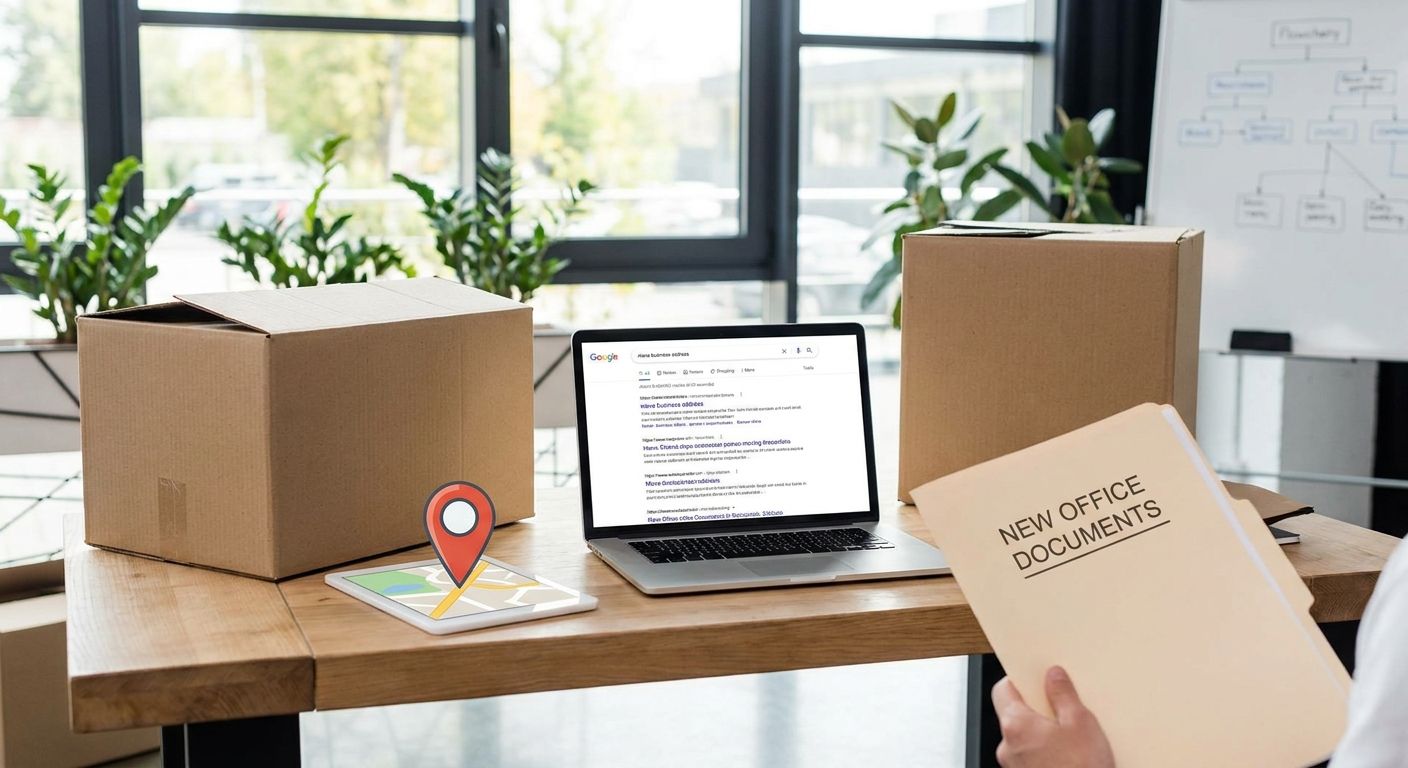
Moving your business address does not cost you Google ranking by itself — the gap between your old listing and your new one is what does the damage. If you update your Google Business Profile, website contact details, and directory citations within the same week as the physical move, most local businesses see no lasting drop at all. The ranking hit people blame on relocation is almost always mismatched name-address-phone (NAP) data sitting online for weeks after the move, not the move itself.
- Update Google Business Profile the same day you move — a stale listing is the biggest cause of a ranking dip.
- Fix NAP on your website footer, contact page, and schema before touching outside directories.
- ASIC requires your registered business address to be updated within 28 days — this is a legal deadline, not just an SEO one.
- Keep the old Google listing marked as moved for two to four weeks instead of deleting it.
- A long-term virtual business address, like Westend Business Hub's Werribee address, cuts how often you need to repeat this whole process.
Why this matters
Google's local ranking depends on proximity and consistency signals working together. When your business address is the same everywhere online, Google trusts the location enough to rank it in the map pack for nearby searches. When it isn't — old address on Facebook, new address on your website, a third address on an old directory listing — Google either shows outdated information to searchers or quietly suppresses the profile while it works out which record is correct.
That suppression window is the real risk in 2026, not the address change on its own. If you're mid-move and juggling everything else that comes with relocating a small business, adding a virtual address to your Google Business Profile the right way avoids most of that lag entirely.
How do you move a business address without losing Google ranking?
Follow these steps in order, and do them close together rather than spreading the update over a month:
- Edit your existing Google Business Profile — don't create a new one. Changing the address field on your current profile keeps your reviews, photos, and ranking history intact.
- Update your website's NAP and schema markup the same day. Your footer, contact page, and any LocalBusiness structured data need to match the new address before you touch anything else.
- Lodge the address change with ASIC if you're a registered company. Australian businesses have a 28-day legal window to update a registered office address — miss it and you're looking at a compliance issue on top of any SEO one.
- Work through your citations one by one — Facebook, LinkedIn, Yellow Pages, True Local, and any industry-specific directories. Update each listing individually rather than waiting for a bulk sync that may never happen.
- Set up mail redirection so anything sent to the old address during the transition still reaches you — this matters more than most business owners expect during a move.
- Use Google's "business has moved" option rather than deleting the old listing outright. It signals continuity to Google instead of creating a duplicate profile that competes with your own ranking.
- Watch Google Business Profile Insights for two to four weeks after the change and chase down any directory still showing the old address.
If you'd rather sidestep the legal admin entirely, registering a business address without renting an office through a virtual office plan means the address on your ASIC filing, your website, and your Google Business Profile can all be set once and left alone.
Why Google rank drops when businesses move
- Inconsistent NAP across directories confuses Google's matching algorithm about which listing is authoritative.
- Duplicate listings — the old profile left live as a separate entry — split reviews and local signals between two records instead of one.
- Lost citations that took months to build get orphaned if you don't update them individually.
- Re-verification delays after certain address changes can leave a listing quiet in the map pack for a stretch while Google confirms the new location.
- Outdated schema markup on the website keeps telling Google the business is still in the old suburb, even after the GBP listing is fixed.
- Deleting instead of editing the old profile forfeits the review history and ranking signals attached to that listing ID.
Avoid the next address change entirely
See what's included in a Werribee virtual office plan for 2026.
Will you lose Google reviews if you move your business address?
No, you will not lose Google reviews if you move your business address the correct way — editing the existing Google Business Profile keeps every review attached, because reviews are tied to the profile ID, not the address field. The only way to lose them is to create a brand-new listing at the new address instead of updating the old one.
Does changing your business address reset your Google ranking to zero?
No, changing your business address does not reset your Google ranking to zero. You may see a temporary dip while Google re-verifies the new location and your citations catch up, and that dip typically settles within a few weeks once every directory matches the new NAP consistently.
Can a virtual office address reduce the risk of losing Google rank?
Yes, a virtual business address you set up once and keep long-term reduces the risk, because the biggest threat to local ranking is repeatedly touching your Google Business Profile and citations every time you outgrow a space. Businesses that use a stable virtual address, like the one Westend Business Hub offers in Werribee, only go through the update process once instead of every time a lease changes.
For a growing team, mail redirection setup paired with a fixed virtual address means the physical desk can move without the public-facing address ever needing to change again.
FAQ
How long does it take Google to update a moved business address?
Google Business Profile edits usually reflect within a few days, though full re-ranking in local search can take a few weeks as citations across other directories catch up. Editing the existing listing rather than creating a new one speeds this up.
Do I need to update my Google Business Profile and my website address at the same time?
Yes, updating both close together is what prevents the ranking dip in the first place. Mismatched NAP between your website and your Google Business Profile is the single biggest trigger for local ranking confusion.
Is it legal to keep a virtual address as my registered business address in Australia?
Yes, a virtual business address can be used as your registered office in Australia as long as it's a real, staffed location that can receive official correspondence, and you update ASIC within 28 days of any change.
Should I delete my old Google Business Profile after moving?
No, don't delete it. Edit the address field on the existing profile instead, which keeps your reviews and ranking history and avoids creating a competing duplicate listing.
Will moving suburbs hurt my local search ranking more than moving within the same suburb?
A move across suburbs carries more risk because proximity signals change along with the address, while a move within the same suburb usually sees a smaller and shorter dip. Either way, updating your citations quickly limits the impact.
Does a virtual office count as a real business address for Google Business Profile?
Yes, a virtual office address counts as a real business address for Google Business Profile as long as the location is staffed and mail is actually received there, which is how providers like Westend Business Hub set theirs up.
Can I use a PO Box instead of a physical address for Google Business Profile?
No, Google Business Profile does not accept a PO Box as your listed address. It requires a real, staffed street address, which is why businesses without a physical office typically use a virtual address instead.
One last thing
Most business owners fix their Google Business Profile and forget the ASIC filing, treating the address change as a pure SEO task. It isn't — the 28-day legal deadline to update your registered address applies whether or not you've touched your website, and it's the one part of the move that carries a compliance risk on top of any ranking risk. Handle both on the same afternoon and you've closed the two gaps that actually cause problems in 2026.