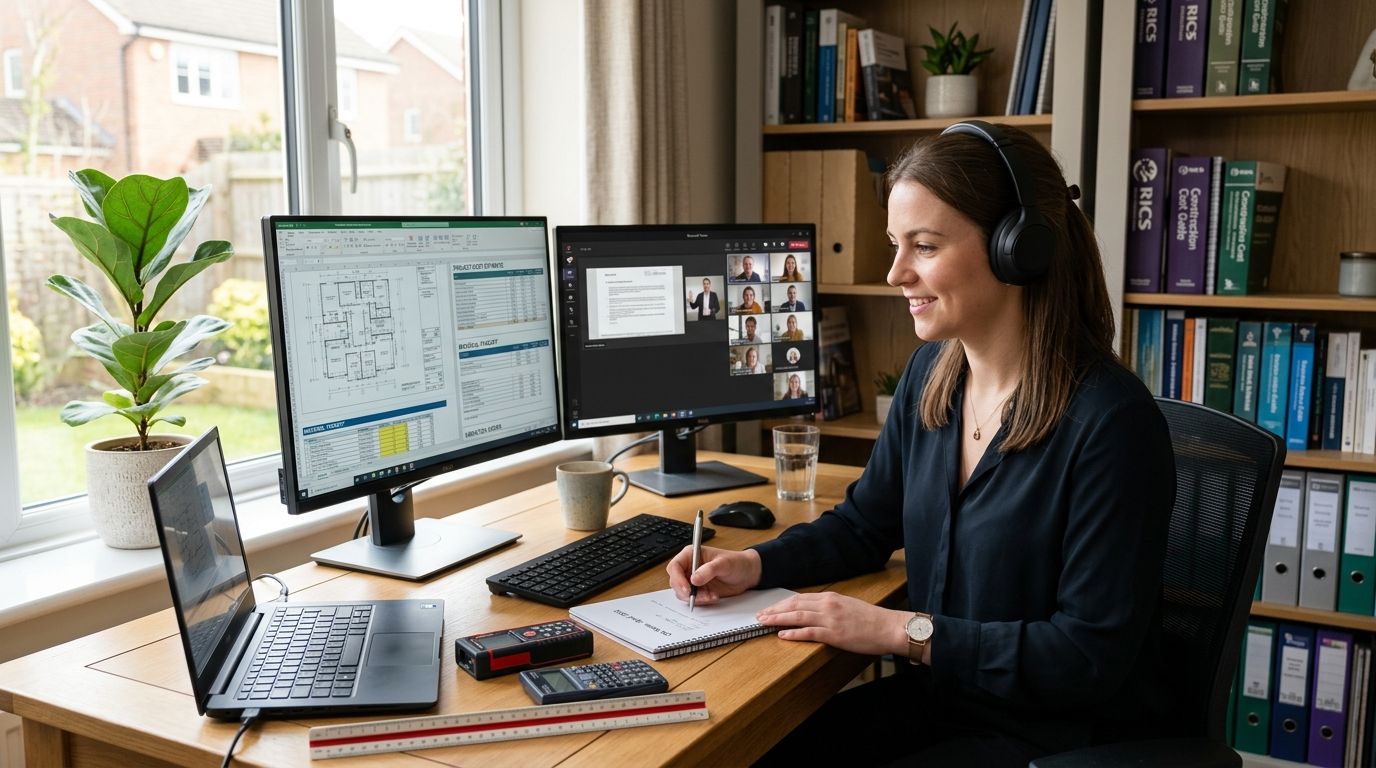

Onboarding new staff into a shared coworking membership means adding them to the account, giving them access credentials or a swipe fob, briefing them on shared-space etiquette, and pairing them with a hot desk, dedicated desk, or private office based on how often they'll actually be in the building. Most Werribee coworking providers can add a new team member within a day or two once the membership plan supports multiple users. The part people forget: staff also need a heads-up on shared meeting room booking rules and kitchen/parking norms, because that's where new hires usually stumble in week one.
- Onboard staff into a shared coworking membership in three steps: add them to the plan, issue access, brief them on etiquette.
- Match access type to attendance pattern — hot desk for occasional days, dedicated desk or private office for daily use.
- Job-sharing and rostered teams need a written desk-sharing agreement before the first shift, not after a scheduling clash.
- Westend Business Hub in Werribee supports adding staff to existing coworking and virtual office plans without a full re-sign.
Why this matters
A coworking membership is only as useful as the process behind it. Add a new hire with no plan and you get double-booked desks, confused reception handovers, and a new employee who doesn't know where the meeting rooms are on day one. In 2026, more Werribee small teams are hiring their first or second employee straight into a flexible workspace instead of a fixed lease, which means onboarding into shared coworking has become a real operational question, not an afterthought.
Getting it right in the first week sets the tone. A new staff member who understands the space, the booking system, and who to ask for help settles in faster than one who's left to figure it out.
How do you onboard staff into a shared coworking membership?
The process breaks into four steps, and the order matters:
- Confirm the plan supports multiple users. Not every coworking plan is built for teams — check whether the membership allows added seats or whether it needs upgrading to a small-team plan, such as a private office for teams of two to five.
- Add the staff member to the account. This usually means updating the membership record with their name, start date, and access level (hot desk, dedicated desk, or private office).
- Issue access credentials. A fob, key card, or app login gets them into the building and any after-hours areas the plan covers.
- Run a 15-minute space walkthrough. Cover meeting room booking, printer access, kitchen use, parking, and who to contact for IT or facilities issues.
Skip step 4 and you'll spend the first month fielding the same questions from every new hire individually.
If your team job-shares a membership
Some small teams put two or three staff on a rotating roster against a single desk allocation to keep costs down. This works, but only with a written schedule agreed before the first shift — otherwise two people show up expecting the same desk on the same Tuesday. If your team is structuring shifts this way, it's worth reading how to split a coworking membership across a job-sharing team before you finalise the roster.
Hot desk access: for staff working occasional office days
If a new hire is only in the office one or two days a week — common for hybrid roles in 2026 — a hot desk allocation is usually the right fit rather than a dedicated seat. Hot desk plans let staff book a spot as needed instead of holding a permanent desk that sits empty most days. This is the setup that best suits hot desk access for staff working occasional office days, and it keeps costs proportional to actual usage rather than paying for five days when someone's in for two.
Best for: hybrid teams, part-time staff, contractors filling in during busy weeks.
Dedicated desk or private office: for daily staff and small teams
When a new employee is coming in five days a week, or when you're growing from a solo setup to a team of two to five, a dedicated desk or private office removes the daily booking friction entirely. Staff know their spot, keep equipment set up, and don't need to check availability each morning. This is the tier covered under private office for teams of two to five, and it's the natural next step once a hot desk arrangement starts feeling cramped or unpredictable.
Best for: full-time staff, small teams past the solo-founder stage, roles needing consistent desk setup (monitors, dual screens, filing).
| Access type | Days per week | Onboarding effort | Best for |
|---|---|---|---|
| Hot desk | 1-2 days | Low — book as needed | Hybrid or occasional staff |
| Dedicated desk | 3-5 days | Medium — fixed spot, gear stays set up | Full-time individual staff |
| Private office | 5 days | Higher upfront, lower ongoing friction | Small teams of two to five |
Why onboarding steps vary from team to team
Not every business follows the same checklist, because a few things change what's actually needed:
- Attendance pattern — daily staff need dedicated access, occasional staff need booking flexibility.
- Team size — a solo founder adding one employee needs less structure than a team scaling to five.
- Membership type already in place — upgrading from a virtual office plan to a physical desk involves different paperwork than adding a seat to an existing coworking plan.
- Meeting room needs — client-facing staff need briefing on how to book a room for pitches or presentations, covered in meeting room hire for client presentations.
- After-hours access requirements — some roles need building access outside standard hours, which changes what credentials get issued.
Add your next hire to the workspace
Flexible plans built for growing Werribee teams, from one desk to five.
Related questions
How long does it take to add a staff member to a coworking membership?
Most Werribee coworking providers can add a new staff member within one to two business days once the membership plan supports multiple seats. The delay usually comes from confirming which access tier fits their attendance pattern, not the admin itself.
Can staff share one desk on different days?
Yes, staff can share one desk on different days through a job-sharing arrangement, as long as the schedule is agreed and documented before the first rostered day. Without a written roster, shared-desk teams run into double-bookings within the first few weeks.
Do new staff need their own membership, or can they join an existing one?
New staff generally join the existing membership as an added seat rather than needing a separate plan, provided the current plan supports multiple users. If it doesn't, the business usually upgrades to a small-team plan instead of buying two separate memberships.
FAQ
What's the best way to onboard staff into a shared coworking membership?
The best way is to confirm the plan supports multiple users, add the staff member to the account, issue access credentials, and run a short walkthrough of booking systems and shared-space etiquette. Skipping the walkthrough is the most common cause of first-month confusion.
Is a hot desk or dedicated desk better for a new hire?
A hot desk works best for staff in the office one or two days a week, while a dedicated desk suits full-time staff coming in three to five days. Match the access type to attendance pattern rather than defaulting to whichever is cheaper.
How much notice does a coworking provider need to add a staff member?
Most providers ask for one to two business days' notice to add a staff member to an existing plan. Longer lead times usually apply when the plan needs upgrading to accommodate a larger team.
Can two staff members share the same desk under one membership?
Two staff members can share one desk if they work on a rostered schedule agreed in advance. This is common in job-sharing arrangements and works well as long as booking conflicts are resolved before the roster starts, not after.
What should new staff be told on their first day in a coworking space?
New staff should be briefed on meeting room booking, parking, kitchen and common-area etiquette, and who to contact for IT or facilities issues. A 15-minute walkthrough on day one prevents most first-week questions.
Do virtual office plans support adding staff, or only physical desks?
Virtual office plans are built around a business address and mail handling rather than staff seating, so adding staff usually means upgrading to a coworking or private office plan instead. Staff access isn't typically part of a virtual office membership.
What happens if a shared membership doesn't support extra seats?
If the membership doesn't support extra seats, the business needs to upgrade to a plan built for small teams rather than adding staff informally. Trying to squeeze extra people onto a single-seat plan usually causes access and booking issues.
One last thing
The onboarding step most teams skip isn't access or desks — it's telling new hires how meeting rooms get booked. In a shared coworking space, an unbooked or double-booked meeting room in front of a client is a worse first impression than any desk mix-up, so put that instruction at the top of the day-one checklist, not the bottom.