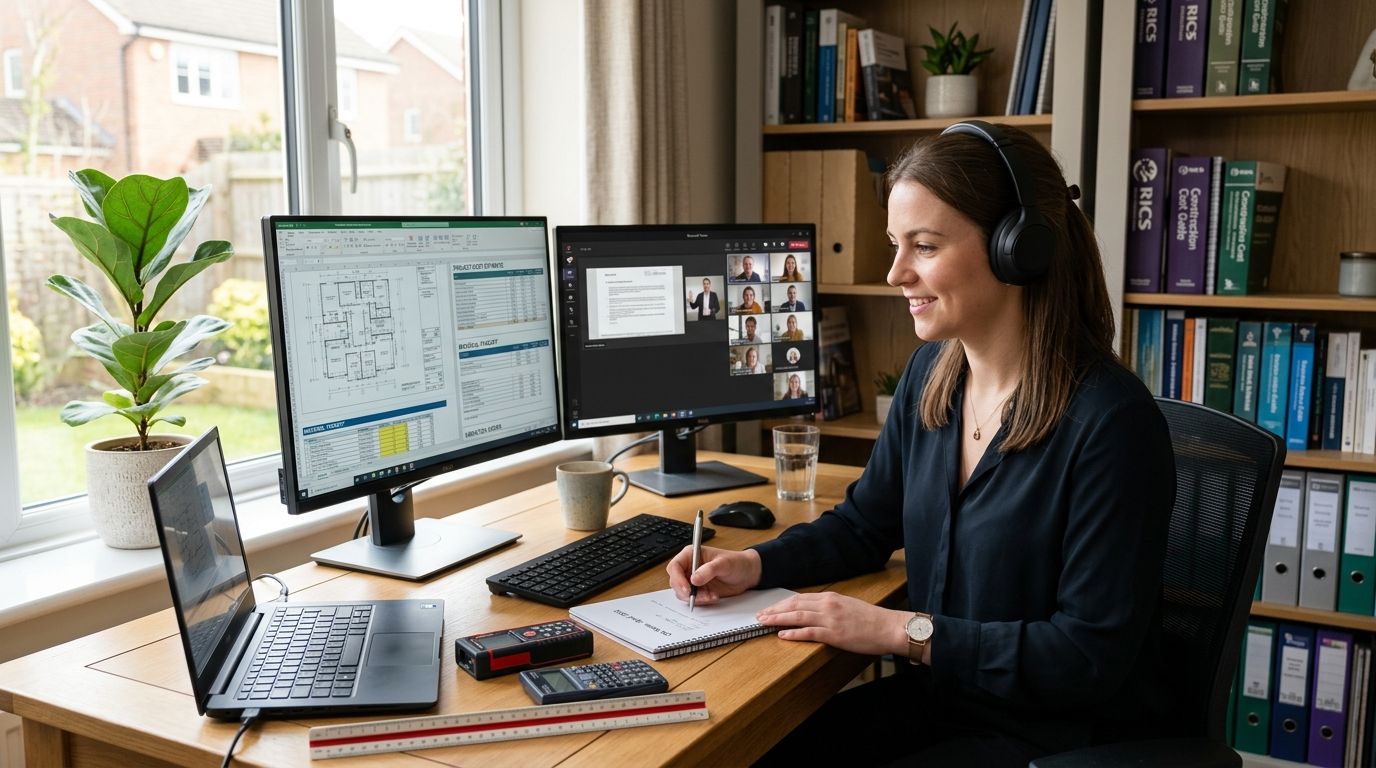
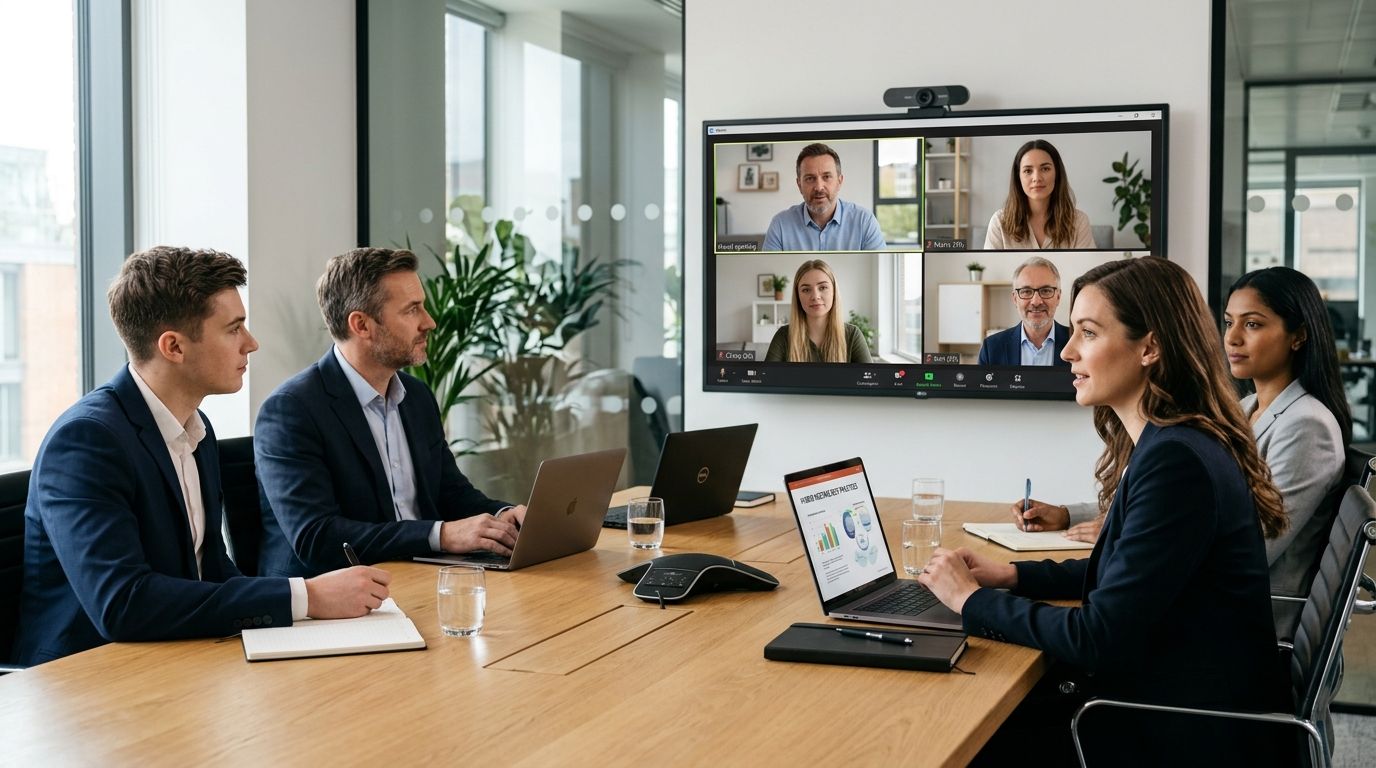
Running a hybrid meeting with in-person and remote attendees works when everyone gets the same screen, the same microphone feed, and a facilitator actively working the remote side of the room — not a laptop propped against a water jug facing a whiteboard. Get the room setup and the facilitation habits right and remote attendees stop being silent spectators who join late, mute themselves, and never speak.
- Hybrid meetings need one shared screen, one microphone system, and a facilitator dedicated to the remote side of the call.
- Book a room built for video conferencing — a boardroom table with a laptop speaker rarely carries sound past the third chair.
- Send the agenda and any documents at least a day ahead so remote attendees aren't reading over someone's shoulder on-screen.
- Call on remote attendees by name every agenda item, or they stop trying to speak up after the first ten minutes.
Why this matters
Hybrid meetings fail in a specific, repeatable way: the people in the room forget the camera is on, and the people on the call stop trying to get a word in. That gap costs decisions, not just comfort — a remote attendee who can't interrupt doesn't raise the objection that would have saved the project two weeks of rework.
Fixing it isn't about buying more gadgets. It's about running the meeting differently once attendees are split across two locations, and starting with a room built for the job solves half the problem before anyone dials in. A meeting room hire for client presentations with a proper screen and microphone array means nobody's straining to hear a voice bouncing off a whiteboard in 2026.
How do you run a hybrid meeting with in-person and remote attendees?
Follow these steps in order, before and during the call:
- Book a room built for video, not a spare desk. A meeting fails before it starts if the room's microphone can't pick up voices from across a table or the screen is too small for remote faces to read expressions.
- Put one screen, one camera, one microphone system in charge. Mixing a room's ceiling mic with someone's laptop speaker creates echo and dead spots — pick one system and route everyone through it.
- Send the agenda and any documents 24 hours ahead. Remote attendees who see a shared screen for the first time during the meeting are always a beat behind the room.
- Open with a 5-10 minute technology check, not small talk. Confirm every remote attendee can hear and be heard before the actual agenda starts — fixing audio mid-discussion kills momentum.
- Name a facilitator whose only job is the remote side. One person in the room watches the chat, flags raised hands, and interrupts to bring remote voices in — this can't be the same person running the agenda.
- Call on remote attendees by name every agenda item. Silence from a video tile reads as agreement in the room; it's usually someone waiting for a gap that never comes.
- Use the chat as a second microphone. Encourage typed questions and reactions during the call, then read them out loud so the room hears what remote attendees are saying.
- Keep hybrid meetings shorter than an in-person equivalent. Video fatigue sets in faster than in-room fatigue — trim the agenda rather than run long.
- Record every hybrid meeting. Someone in either location will miss it, and a recording beats a summary written from memory.
Why hybrid meetings break down
Most hybrid meeting problems trace back to a handful of repeat causes:
- Room audio built for the room, not the feed — a mic that covers eight people in person can still sound muffled 40km away.
- One laptop camera covering a table of ten — remote attendees see three faces and a wall.
- No agenda sent ahead — remote attendees join cold and spend the first five minutes catching up instead of contributing.
- No dedicated facilitator for the remote side — whoever's running the meeting is too busy managing the room to watch the chat.
- Side conversations in the room — quiet asides that never reach the microphone leave remote attendees guessing what was just decided.
- Booking a generic meeting space instead of one set up for video — a meeting room with video conferencing equipment in Werribee removes most of this list before the meeting starts.
What equipment do you need for a hybrid meeting room?
A hybrid meeting room needs three things working together: a camera wide enough to frame everyone at the table, a microphone system that reaches every seat (not just the one closest to the laptop), and a screen large enough for remote faces to be read clearly by people at the back of the room. Skimping on any one of the three undoes the other two.
How many people can join a hybrid meeting before it stops working?
Hybrid meetings stop working past a certain size because one facilitator can't track a chat, a hand-raise queue, and an in-room discussion all at once. Smaller, focused hybrid meetings with a clear facilitator role hold together far better than large all-hands attempts at the same format.
Should remote attendees join by video or just audio?
Video is the better default for hybrid meetings because body language and turn-taking cues that keep a discussion moving get lost on audio alone. Audio-only is fine for a quick status update, but for anything involving a decision or a presentation, video keeps remote attendees genuinely part of the room.
Teams running hybrid schedules regularly — some days from home, some days in an office — get more consistent results when the office side of the equation is a purpose-built space rather than whichever desk is free. A coworking space for hybrid teams working part-time from home gives the in-person half of the meeting a room designed for exactly this, rather than a corner of an open-plan office with no dedicated camera or mic.
Book a hybrid-ready meeting room
Meeting rooms in Werribee set up for video conferencing and board meetings.
FAQ
How do you run a hybrid meeting with in-person and remote attendees?
Book a room with a wide camera, a full-room microphone system, and a large screen, send the agenda a day ahead, and assign one facilitator to watch the remote chat and call on remote attendees by name. Skipping the dedicated facilitator role is the most common reason hybrid meetings fail.
What's the best way to include remote attendees in a hybrid meeting?
Call on remote attendees by name at every agenda item and treat the chat as a second microphone by reading typed comments out loud. Silence from a video tile usually means someone is waiting for a gap that never comes, not that they agree.
Is a laptop camera good enough for a hybrid meeting?
A single laptop camera is rarely good enough once more than three or four people are in the room, because remote attendees end up seeing a wall or the backs of heads. A dedicated wide-angle camera and room microphone system fix this.
How long should a hybrid meeting run?
Hybrid meetings should run shorter than the in-person equivalent because video fatigue sets in faster for remote attendees than in-room fatigue does for everyone else. Trim the agenda rather than extend the meeting.
Should you record a hybrid meeting?
Yes, record every hybrid meeting because someone in either location will inevitably miss it and a recording is more accurate than a written summary. This matters most for meetings involving decisions rather than status updates.
What causes echo in a hybrid meeting?
Echo happens when a room's ceiling microphone and someone's laptop microphone are both live on the same call, creating a feedback loop. Route everyone through one microphone system and mute individual laptops to fix it.
Can a coworking space host a hybrid meeting?
Yes, a coworking space with a dedicated meeting room and video conferencing equipment is often better suited to hybrid meetings than a home office or an open-plan desk, because the camera and microphone setup is already sorted. Westend Business Hub in Werribee offers meeting rooms built for this in 2026.
Why do remote attendees go quiet in hybrid meetings?
Remote attendees go quiet when there's no clear gap to speak into and no facilitator watching for raised hands or chat messages. Assigning one person to manage the remote side of the call solves this directly.
One last thing
The single change that fixes the most hybrid meetings isn't a better camera — it's assigning someone in the room whose only job is watching the remote side. Teams that split facilitation duties this way report far fewer "sorry, what did I miss" moments than teams that just add a screen and hope. If your team runs hybrid meetings often enough that borrowing a corner of the office isn't cutting it anymore, a flexible office space for hybrid work schedules removes the guesswork around booking, setup, and who's using the good microphone that week.